Analyzing companies
Finding and analyzing companies.
Most data in Finbar is associated with an organization (typically, a company). Finbar covers 1000s of companies globally.
Finding an organization
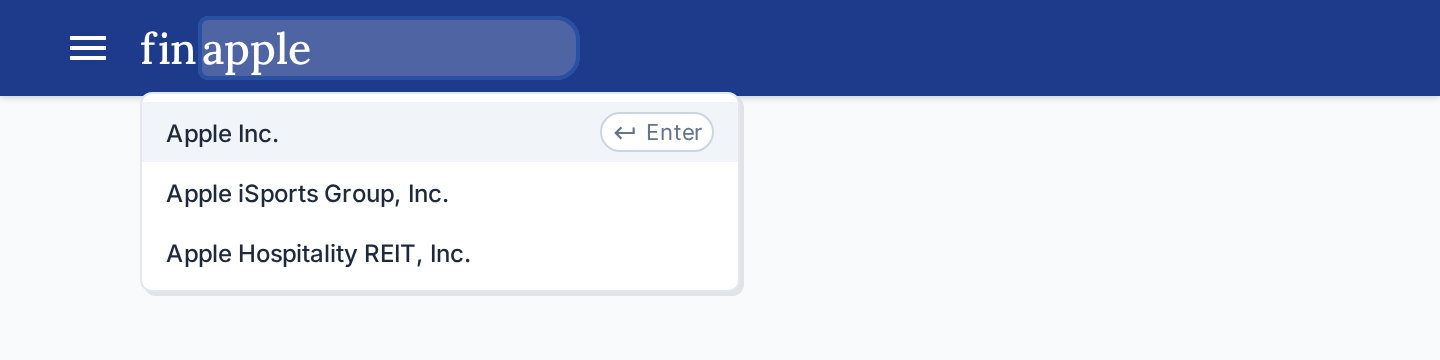
To find a company, you can use the company search bar. You can search by company name, ticker, ISIN, and other supported identifier types.
The company search bar can be accessed from multiple places:
- The 'Home' tab
- The overall Finbar header - click the 'bar' and type.
Ctrl+Kalso jumps to this search bar - Opening a new 'Company' tab in the workspace.
Viewing an organization
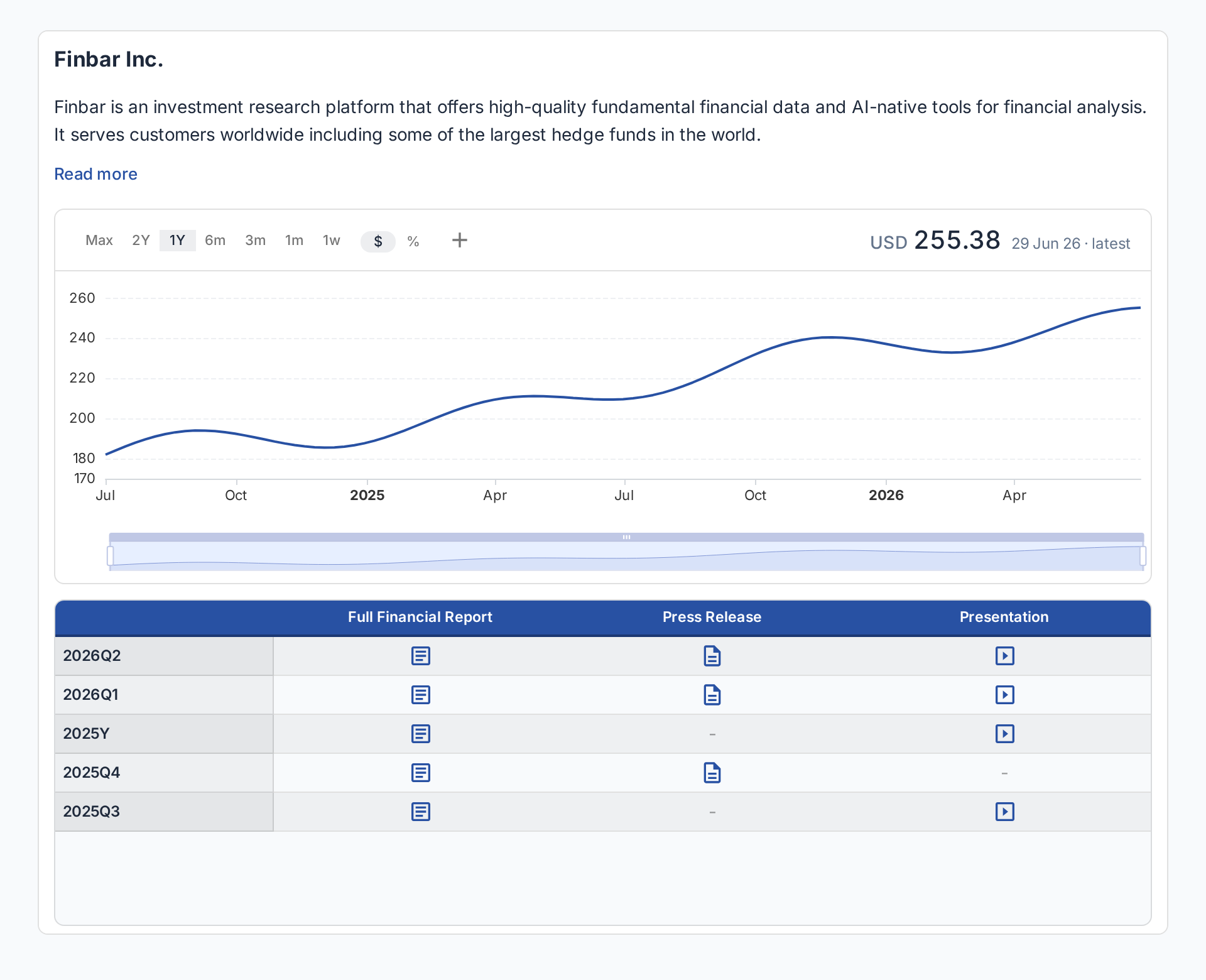
Once you've found the organization you're looking for, it will open in a new workspace tab. This display is the main hub for an overview of the company.
Here, you can see:
- A summary of what the organization is, their products, and history
- An interactive and customisable price chart
- Available documents as published by the company, organised by reporting period and document type.