Workspace basics
Setting up and customising your workspace.
Finbar's web app is a single unified workspace, organised into panels. You can freely move and resize panels to best suit your needs.
Customising layout
Tabs are stored in panel groups. You can reorder tabs within a group, or move it to another group, by dragging the tab.
Groups can be resized by hovering your mouse in the gap between groups and then dragging the handle that appears.
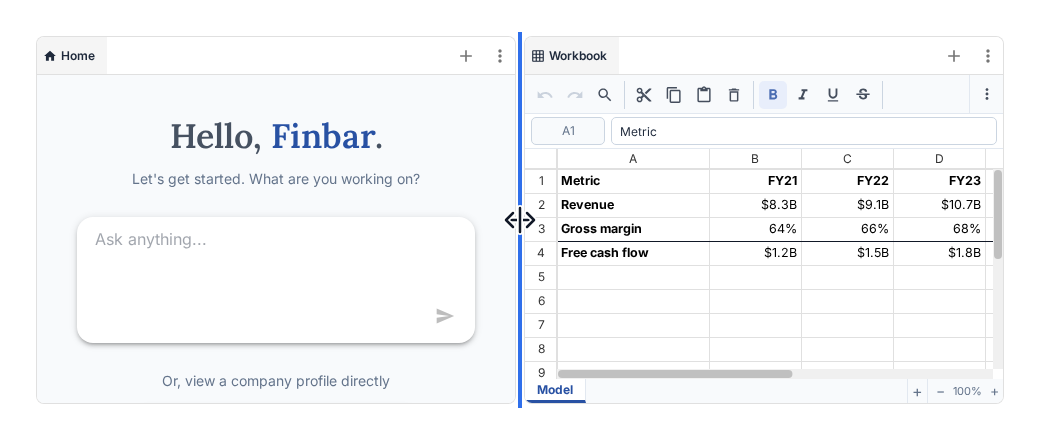
To create new panel locations, either click the triple-dot menu at the corner of an existing panel group, or simply drag a tab to the right or bottom of an existing panel. This will let you split up an existing panel view, giving you extra locations to locate tabs.
Adding tabs
Click on the '+' icon in any panel to add a new tab. Each tab represents a view onto some data or feature, like a company, document, chart, etc.