Watchlists
Track groups of companies and reuse them across research workflows.
Watchlists are saved groups of organizations. Use them for coverage universes, peer sets, priority earnings names, or any research workflow where the same companies need to be revisited together.
Each Finbar user has their own watchlist collection. Finbar automatically saves changes to your account as you edit.
Create a list
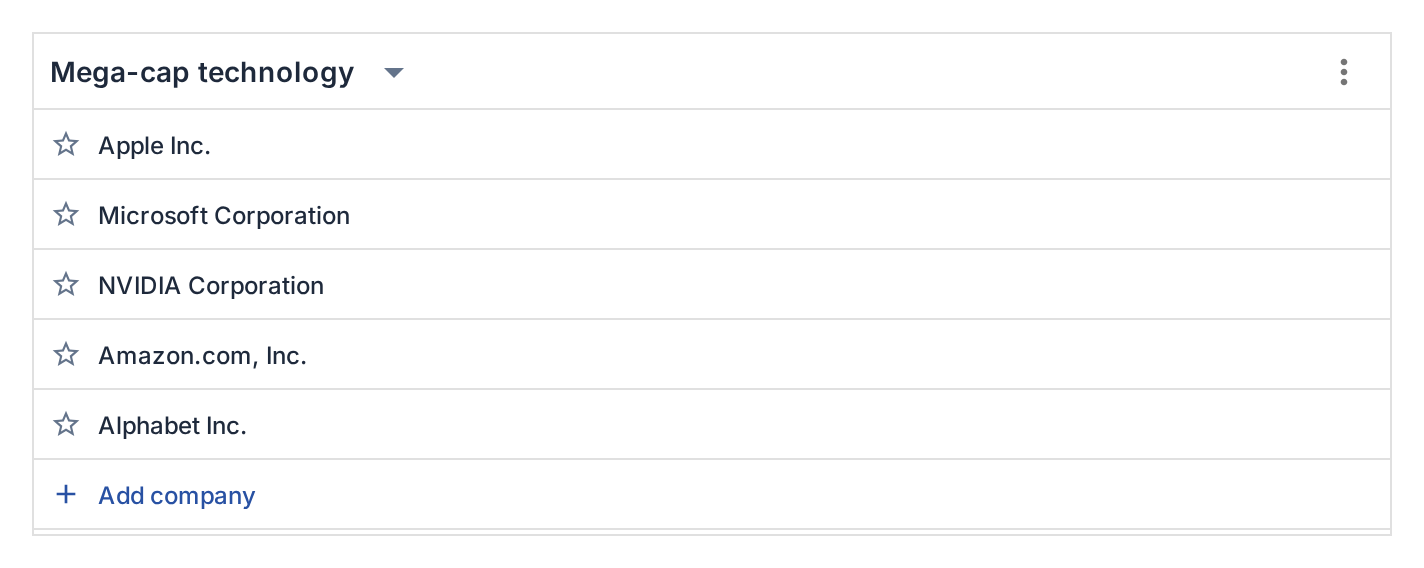
To see your watchlists, open the Watchlists tab from the web app workspace or sidebar.
To create a new list, either click Create new if no lists currently exist, or open the list menu and choose New list.
Managing watchlists
Use Add company to search for a single organization and append it to the selected list. Like in regular company search, you can use tickers, names, or other identifiers.
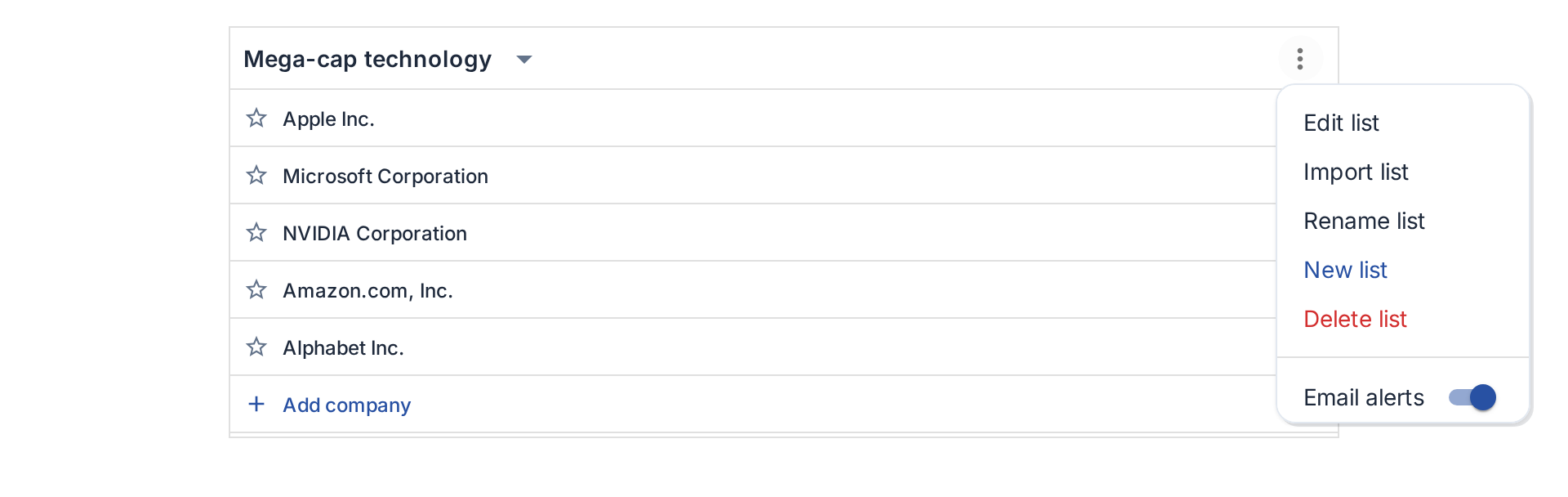
Use Import list when you already have a list of names or tickers. Paste one company per line, review the suggested matches, change or remove any undesired matches, and then import the selected organizations. Existing companies in the watchlist are skipped.
Other watchlist management options are accessed from the Watchlists header. You can rename, edit, reorder or delete lists from this menu.
Using watchlists
Watchlists also act as shortcuts into other Finbar workflows. When a selected list contains companies, the header can open an earnings calendar scoped to those organizations. Where available, the list menu can open a live feed for document and filing events across the same companies.
Email alerts
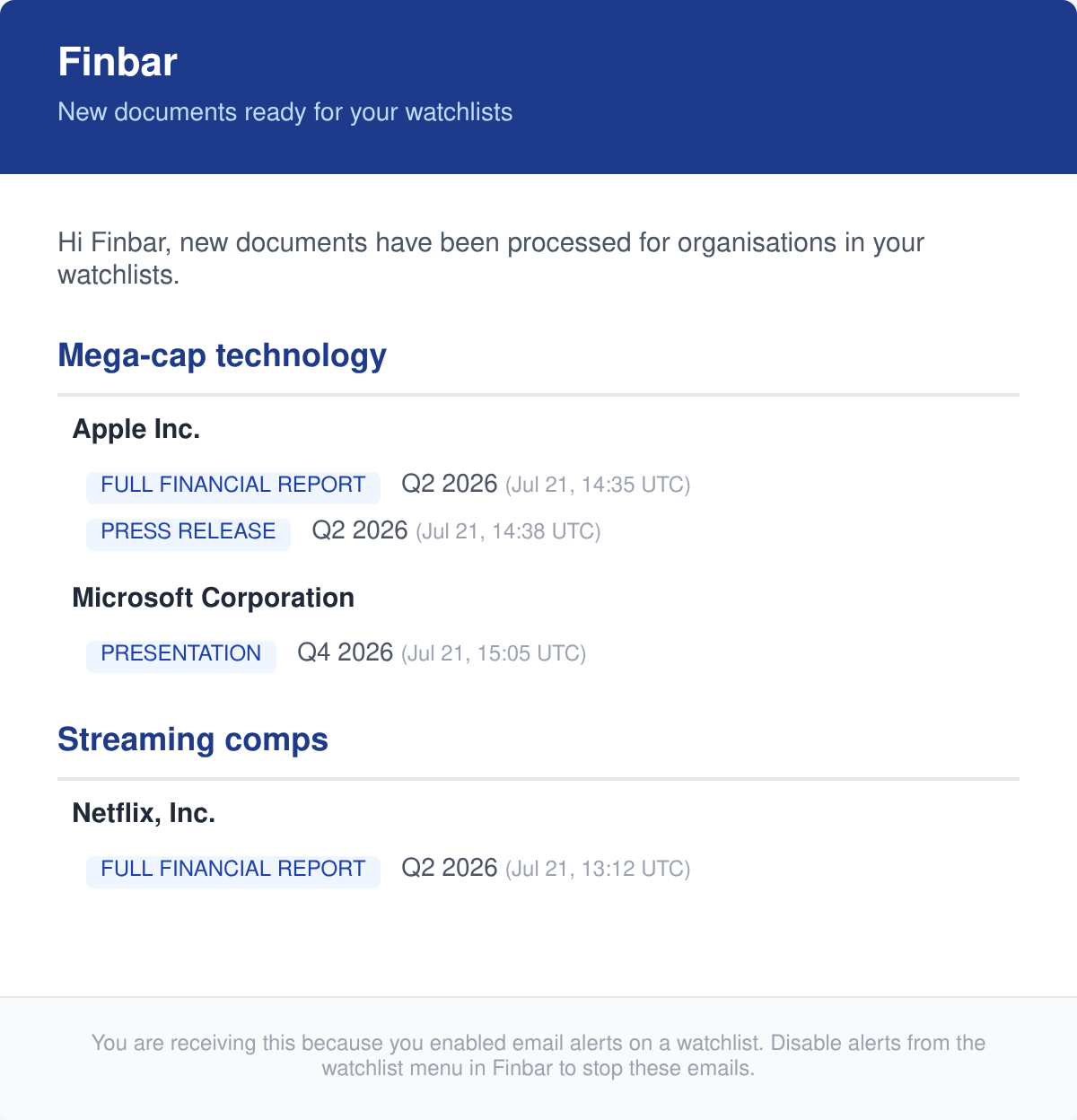
Email alerts can be enabled per watchlist from the list menu. When enabled, Finbar stores a notification setting for that watchlist and can send email notifications when newly reported data is available for any company in the list.